
Is It Safe to Buy a Second-Hand iPhone? A Complete Guide
17 March 2025 · 4 min read
Thinking of buying a second-hand iPhone? Learn the risks, key checks, and best practices to ensure a safe purchase. Read this guide before you buy!
Introduction
Buying a second-hand iPhone can save you a lot of money, but is it safe? The answer is yes, but only if you check it properly. Many people sell iPhones for good reasons, but there are also risks like fake devices , hidden defects , or stolen phones .
In this guide, we will help you understand
✅ The risks of buying a used iPhone
✅ How to check if an iPhone is genuine
✅ What to inspect before buying
✅ Where to buy a second-hand iPhone safely .
Let's get started!
Why Do People Sell Their iPhones ?
Before you buy, understand why someone is selling their iPhone. Common reasons include :
- Upgrading to a new model
Many people sell their old iPhones after buying a new one. - Financial reasons
Some need urgent cash and sell their phones. - Broken or faulty device
Some sellers hide issues and try to sell damaged phones. - Stolen phone
If a phone is stolen, you may face legal issues later.
Many people sell their old iPhones after buying a new one.
Risks of Buying a Second-Hand iPhone
Buying a used iPhone can be risky if you don't check it carefully. Here are some common risks:
Benefits of Rollable Phones
- 📌Fake or Cloned iPhones
Many fake iPhones look real but have poor performance and security issues. - 📌 iCloud Locked iPhone
If an iPhone is iCloud locked, you won't be able to use it. Always check if the seller has removed their Apple ID. - 📌 Blacklisted or Stolen Phones
Some phones are blacklisted due to theft or unpaid bills, meaning you cannot use them on any network. - 📌 Battery and Performance Issues
Older iPhones may have battery problems, heating issues, or slow performance. - 📌 No Warranty or Return Policy
Most second-hand iPhones don't come with a warranty, so repairs can be expensive.
How to Check a Second-Hand iPhone Before Buying
To avoid getting scammed, follow this checklist before buying a used iPhone.
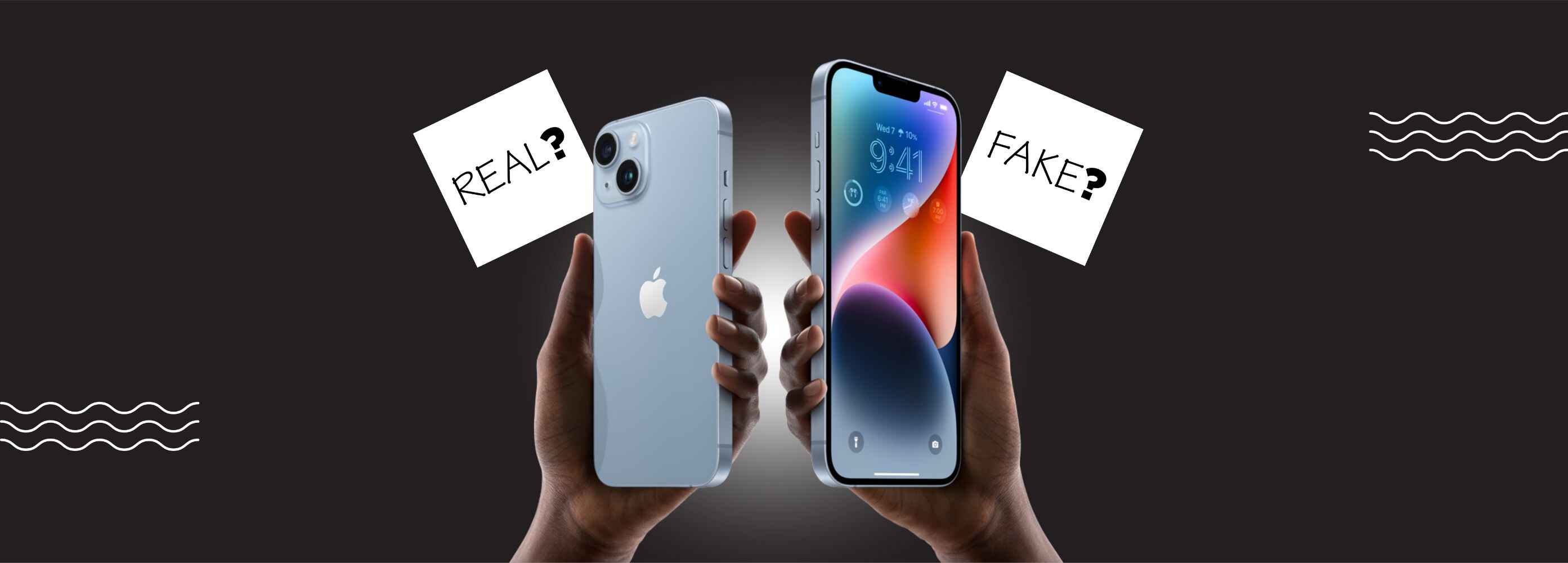
- Check if the iPhone is Real
Look at the Apple logo - Fake iPhones may have a slightly different logo.
Go to Settings > General > About - Check if the model name matches the actual device.
Dial #06# - This will show the IMEI number. Verify it on Apple's website. - Check for iCloud Lock
Go to Settings > General > Transfer or Reset iPhone and click "Erase All Content and Settings".
If it asks for an Apple ID password, the phone is iCloud locked. Don't buy it! - Check the IMEI Number
Find the IMEI number by dialing *#06# or checking Settings > General > About.
Enter the IMEI on websites like IMEI.info to check if it's stolen or blacklisted. - Test the Phone's Hardware
Touchscreen - Make sure the screen responds properly.
Face ID or Touch ID - Ensure it works without errors.
Cameras - Check both front and back cameras.
Speakers & Microphone - Play a song and make a call to test sound quality.
Charging Port & Battery Health - Go to Settings > Battery > Battery Health. A good battery should be above 85% capacity. - Check for Original Parts
Some sellers replace original parts with cheap ones. To check :
Go to Settings > General > About and look for "Parts & Service History".
If you see "Unknown Part", it means some parts were changed.
Where to Buy a Safe Second-Hand iPhone?
To reduce risks, buy from trusted sources
- Certified Resellers -
Apple's certified stores sell refurbished iPhones with warranties. - Trusted Online Platforms -
Websites like Phoneo offer second-hand iPhones with verified sellers. - Reputed Offline Shops -
Buy from well-known local mobile shops with a return policy. - Direct from Friends or Family -
If you know the seller personally, it's a safer option.
Red Flags to Avoid When Buying a Used iPhone
- Too cheap to be real -
If the price is too low, it might be a scam. - Trusted Online Platforms -
Websites like Phoneo offer second-hand iPhones with verified sellers. - No box or accessories -
Some sellers remove accessories to hide issues. - Rushed sales -
If the seller is pushing you to buy quickly, be careful . - No invoice or proof of purchase -
Always ask for a bill or proof of ownership.
Should You Buy a Second-Hand iPhone?
Yes, but only if you check everything carefully. Follow this guide, buy from trusted sources, and you can get a great deal on a second-hand iPhone without risks.
Call to Action
🔥If you are an iPhone lover and planning to buy one, but budget is holding you back, then Check out Phoneo.in for affordable second-hand iPhones that fit your price range !
Also Read this
Want to know why a second-hand phone is a smart choice ?
More from the blog
- Best Second-Hand Flagship Phones 2025: Pixel 10 Pro vs Galaxy S25 Ultra vs iPhone 16 Pro
- Top Upcoming Smartphones in August 2025 - Launch Dates, Specs & Prices in India
- Samsung Galaxy Z Fold 7 & Z Flip 7 India Launch: Specs, Price, Design & Camera Leaks
- AI Smartphones in 2025: Smart Hype or Smart Investment?