
How to Transfer Data from iPhone to Android in Minutes (Complete 2025 Guide)
1 May 2025 · 4 min read
Learn how to transfer contacts, photos, WhatsApp, and more from iPhone to Android quickly. Follow this complete 2025 step-by-step guide from Phoneo.in for a smooth switch.
Introduction
In this guide, we'll explain the best methods to transfer data from iPhone to Android quickly and safely, so you don't lose anything important during the switch.
What You Need Before Starting
Before you begin, make sure you have:
Your old iPhone and your new Android phone
A stable Wi-Fi connection
A Google Account (for backups and synchronization)
A data transfer cable (recommended for faster transfer, but optional)
Preparing these in advance will make the transfer smooth and fast.
1. Use Google's "Switch to Android" App (Fastest and Easiest)
Google has made switching easy with their Switch to Android app :
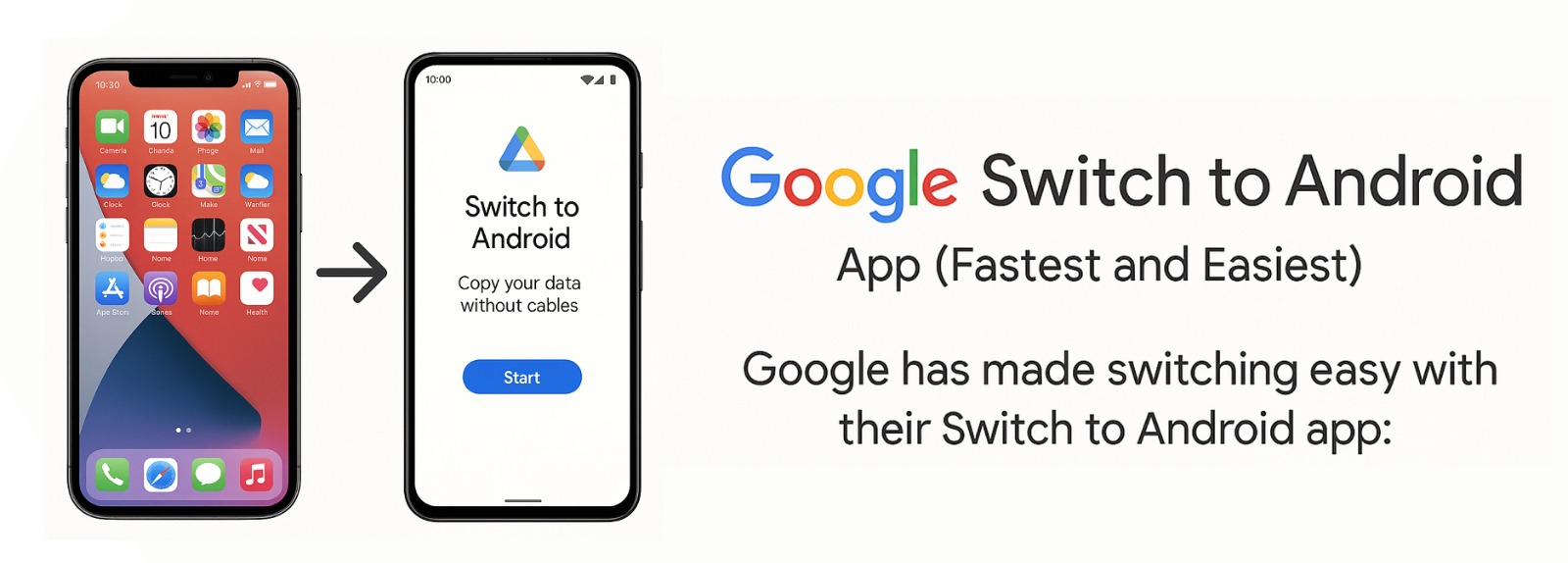
How to use it:
Download the Switch to Android app from the App Store on your iPhone.
Open the app and follow the on-screen instructions.
Connect your devices either wirelessly or using a Lightning-to-USB-C cable.
Choose what you want to transfer: contacts, photos, videos, calendar events, and more.
Wait for the transfer to complete, then finish setting up your Android phone.
🔵 Tip : This method also helps you turn off iMessage automatically, so you don't miss any text messages.
2. Transfer Using Google Drive (No Cable Needed)
If you prefer not to use a cable, you can back up your data through Google Drive.
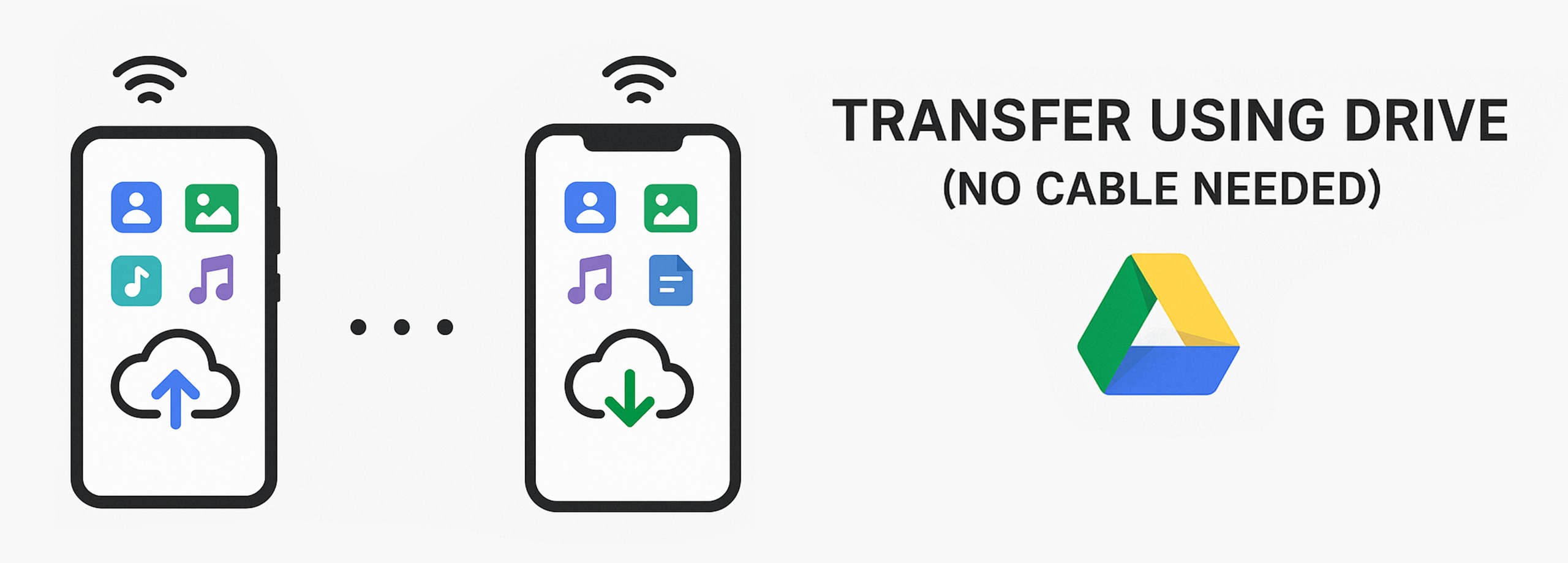
Steps:
Install Google Drive from the App Store on your iPhone.
Sign in with your Google account.
In Google Drive, go to Menu → Settings → Backup.
Select the data you want to back up (contacts, calendar, photos, and videos).
Start the backup process.
Once done, sign into the same Google account on your new Android phone, and your data will sync automatically.
🔵 Best for : People who have limited access to cables but good Wi-Fi.
3. Manual Transfer Using a Computer (For Photos, Videos, Music)
If you like doing things manually, you can transfer files through a computer:
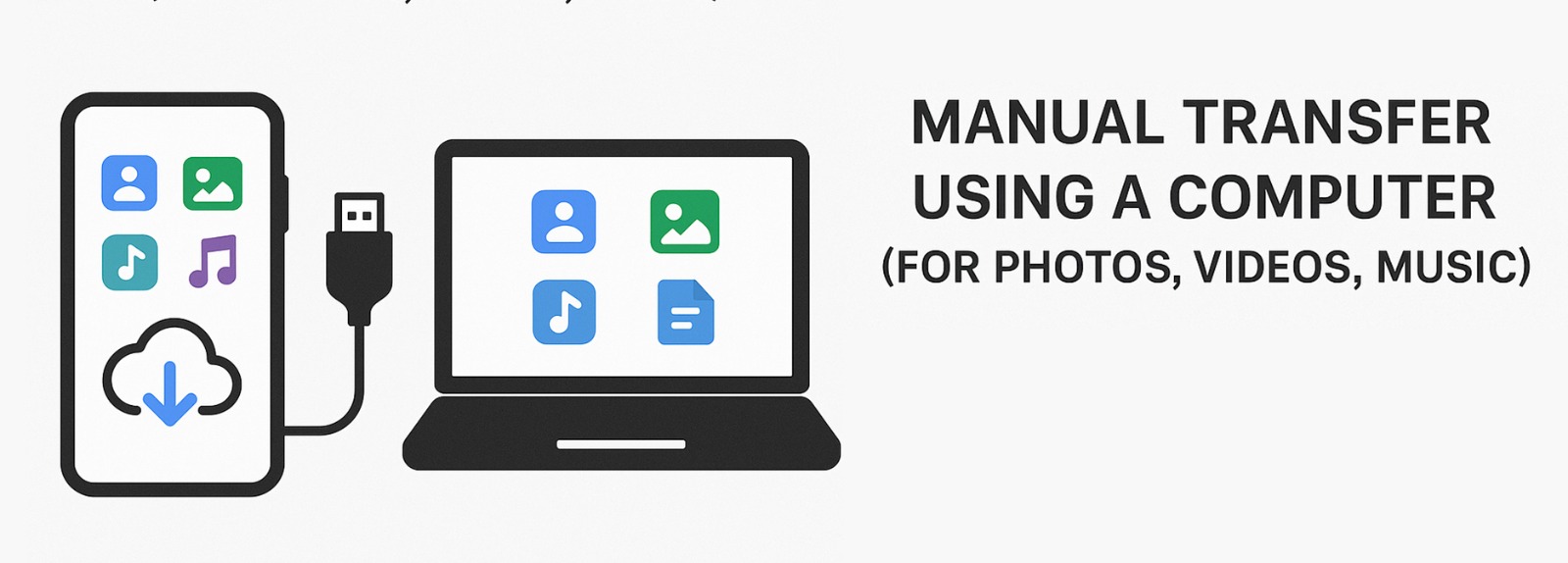
Here's how:
Connect your iPhone to a PC or Mac and open the DCIM folder (for photos/videos).
Copy the files you want.
Disconnect the iPhone and connect your Android phone.
Paste the files into the appropriate folders on your Android.
🔵 Note : Apps and app data cannot be manually transferred. You'll need to download your apps again from the Play Store.
What Data Can Be Transferred ?
When moving from iPhone to Android, here's what you can successfully transfer :
- Contacts and Calendars : Using Google account sync .
- Photos and Videos : Using Switch to Android app, Google Drive, or manually.
- Music : Ifit's not DRM-protected (like Apple Music purchases).
- WhatsApp Chats : Using WhatsApp's official migration feature (especially available on Samsung and Pixel phones).
- Documents and Files :From iCloud Drive or manually.
🚫 What can't be transferred easily :
iMessage chats (unless manually backed up or forwarded)
Certain app-specific data (some game saves, app settings)
- ✅ Fully charge both your iPhone and Android phone before starting.
- ✅ Use the latest software updates on both devices.
- ✅ Use official or high-quality transfer cables if connecting devices physically.
- ✅ Back up your iPhone to iCloud or iTunes as a safety net before starting.
Ready to Upgrade?
Need a good Android phone to switch to?
Visit Phoneo.in — India's trusted platform for verified second-hand Android phones at unbeatable prices.
Why choose Phoneo.in ?
If you're planning to buy a phone, knowing this journey helps you make smarter choices — whether you want a simple keypad model or the latest 5G smartphone.
If you're planning to buy a phone, knowing this journey helps you make smarter choices — whether you want a simple keypad model or the latest 5G smartphone.
At Phoneo.in, we make mobile shopping super simple :
- ✅ Only trusted shopkeepers are listed.
- ✅ No hidden online payments — you pay directly at the shop.
- ✅ Huge range of Samsung, Xiaomi, OnePlus, and other Android brands.
👉 Browse Phones Now on Phoneo.in
Final Thoughts
Switching from an iPhone to an Android phone is no longer complicated. With Google's helpful tools and a little preparation, you can move all your important data in just a few minutes.
And if you need a quality Android phone without burning a hole in your pocket, remember — phoneo.in has got you covered!
🚀 Make the Switch Smooth and Save Big with Phoneo.in!
Transferring your data is just the first step — now complete your upgrade smartly.
Find top-quality second-hand Android phones at unbeatable prices only on Phoneo.in.
- ✅ 100% verified devices
- ✅ Trusted local shopkeepers
- ✅ Huge savings compared to buying new
Don't wait — upgrade smarter, faster, and cheaper. Visit Phoneo.in today!
More from the blog
- Best Second-Hand Flagship Phones 2025: Pixel 10 Pro vs Galaxy S25 Ultra vs iPhone 16 Pro
- Top Upcoming Smartphones in August 2025 - Launch Dates, Specs & Prices in India
- Samsung Galaxy Z Fold 7 & Z Flip 7 India Launch: Specs, Price, Design & Camera Leaks
- AI Smartphones in 2025: Smart Hype or Smart Investment?